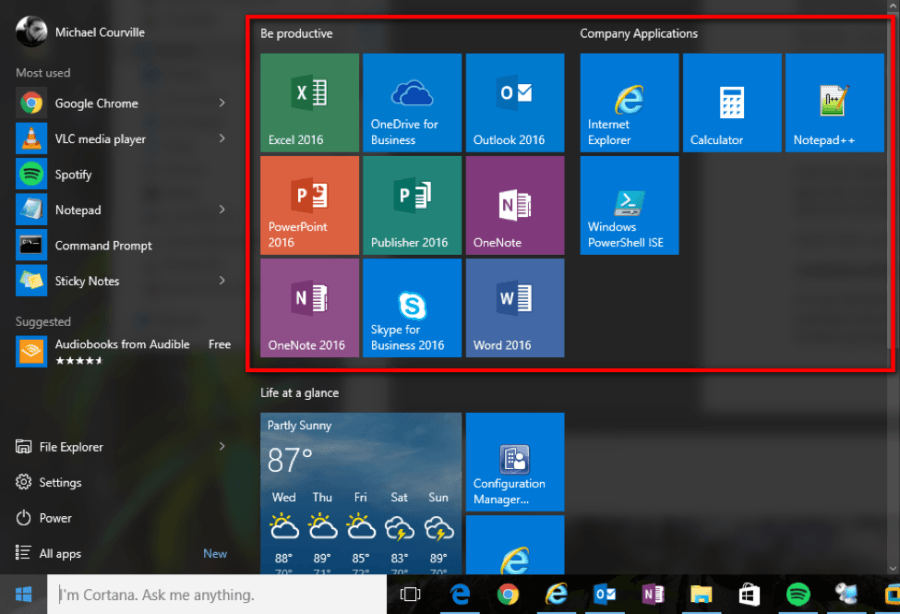
You can easily customise your Windows 10 Start menu.
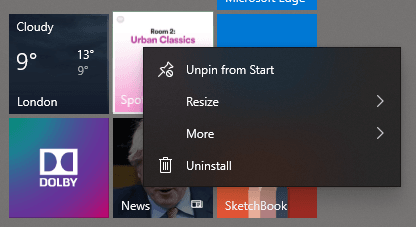
To remove icons, simply right-click them and select ‘Unpin from Start’:
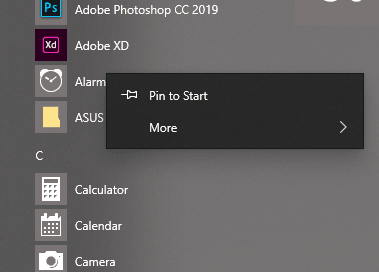
And to add one in, find the program in your Start menu, right-click it and choose ‘Pin to Start’:
An example of how your shiny new Start menu could look: